- PTS requires specific Internet Explorer settings. Refer to the following document for details: PTS Requirements
Read VIN & DTCs allows PCs with Ford Integrated Diagnostic Software (IDS) installed to pull all continuous DTC codes, while on the Vehicle ID tab.
In many cases "Read VIN & DTCs" can also read VIN information on the vehicle's PCM and populate the VIN right in the manual VIN entry box.
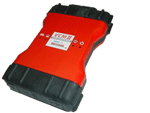
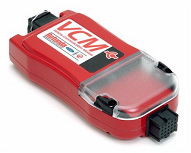
To use "Read VIN & DTCs" you will need a PC with IDS installed and a VCM or VCM II.
This PC does NOT have IDS installed.
 OR
OR